Workshop
Ask a question

The Bunnings Workshop community can help with your home improvement projects.

How to connect a single remote to two Arlec fans?

simplistic
Just Starting Out

How to connect a single remote to two Arlec fans?

I'm renting and the house has two Arlec ceiling fans and one remote. 
This model or something very similar: https://www.arlec.com.au/collections/ceiling-fans/products/arlec-boston-ii-white-4-blade-130cm-dc-ce...

The remote control works with one fan, but not the other.
I found a manual online and it indicates that to connect the remote to two fans, you have to first turn on the power to one fan and turn off the power to the other fan and pair with first fan. Then do the reverse and pair with the other fan.

The issue is I see no obvious way to turn off the power to fans individually. I looked in the fuse box as well and nothing obvious there.

1) Is there something I can do to get this to work myself, or is an electrician needed?
2) If I buy a separate remote would it be possible to pair it with the second fan, since the other fan is already paired to a remote or would that also need an electrician? Where can I buy the remote that works with this fan?

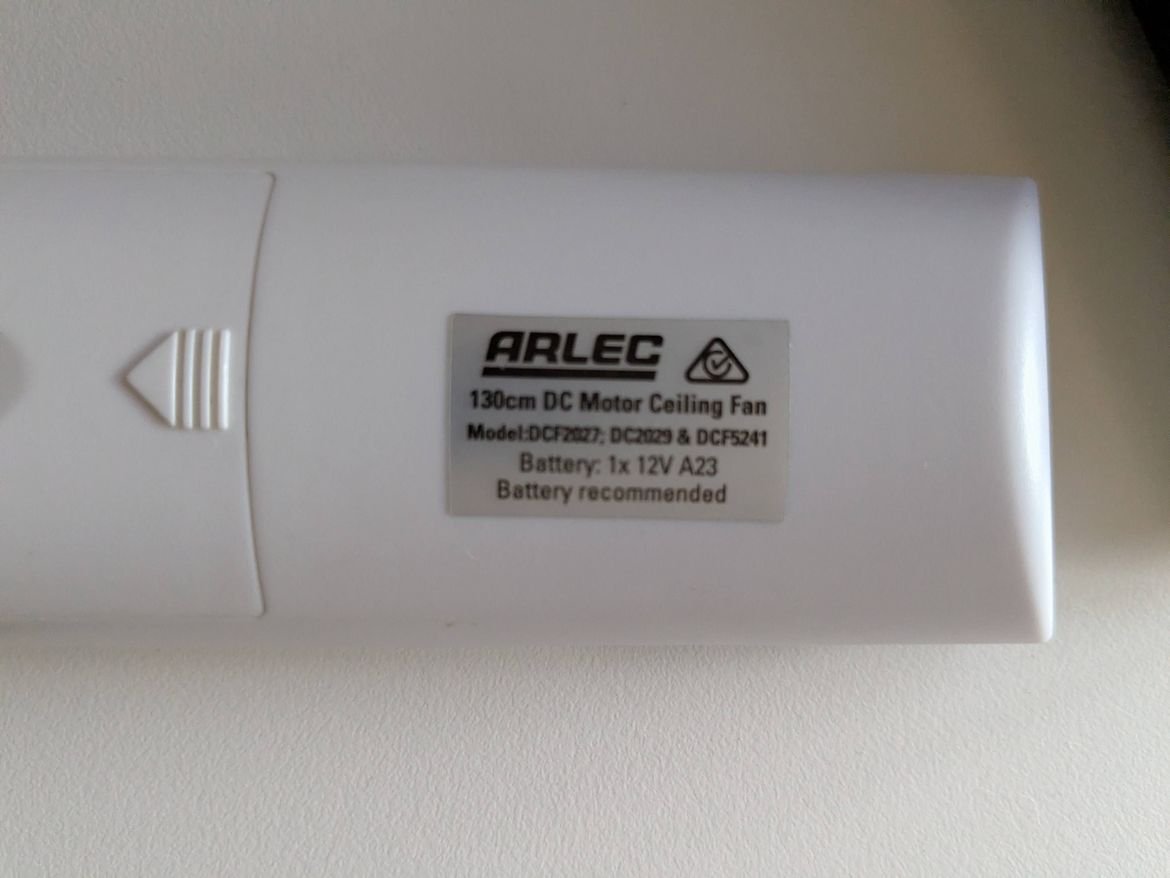
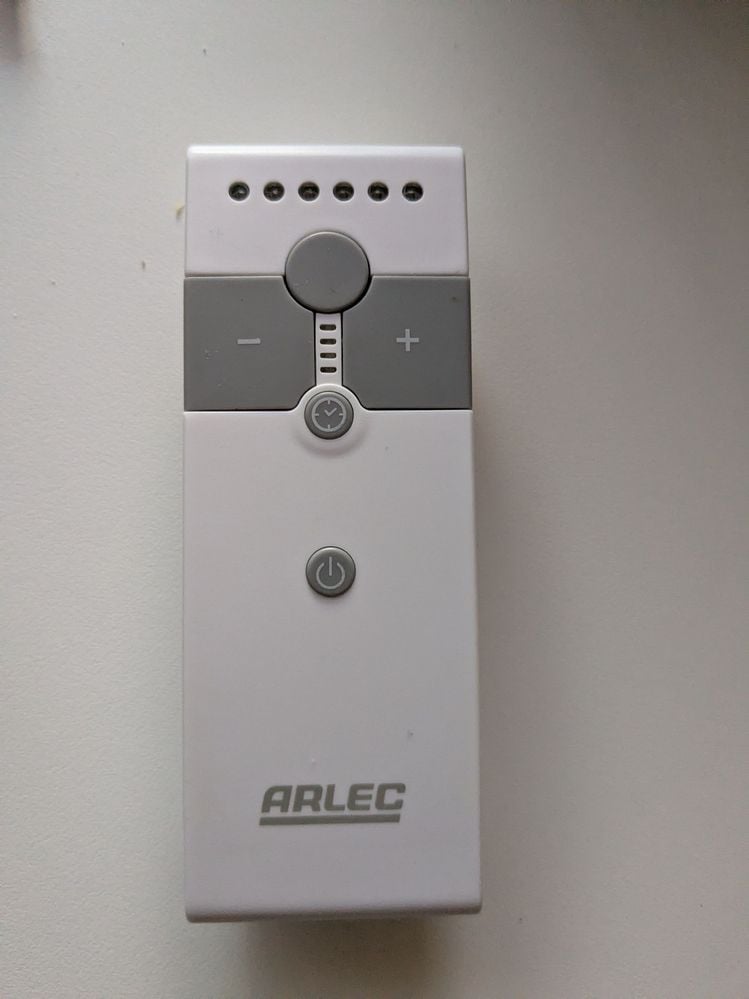
Picture of remote attached. Thanks in advance!
PXL_20251214_110544258.jpgPXL_20251214_100756923.jpg


JacobZ
Bunnings Team Member

Re: How to connect a single remote to two Arlec fans?

Hi @simplistic,


Welcome to the Bunnings Workshop community, it is fantastic to have you with us.


Having had a look at the Instructions for the fans mentioned on the remote, assuming both fans have a receiver installed, you should be able to pair it with the second fan by turning your power off at the switchboard, then turning it back on and within 30 seconds of the power being restored, pair the remote with the second fan by aiming it at the fan and holding the power button for 5 seconds until you hear a beep. 


As the remote is already paired with the original fan, it should be stored in the remote's memory, so pairing it with the second fan shouldn't change this fact.


Give this a try and let me know how you go.


Jacob


Re: How to connect a single remote to two Arlec fans?

Hi @JacobZ 

Thank you! This worked, now the remote controls both fans.

Fan A: Was already paired and working 
Fan B: Working now after paring following the instructions

I would really like to be able to control only Fan B, don't mind if Fan A is not working at all.


Is there something I can try to "unpair" Fan A, and only have the remote control Fan B?  Or am I out of luck?


EricL
Bunnings Team Member

Re: How to connect a single remote to two Arlec fans?

Hello @simplistic 


It might be possible to do it, but you will need to do a bit of trial and error. If you switch the power off at the switchboard and wait for a few seconds for both fans to loose their memory, you might be able to just pair fan B when you turn the power back on. But if fan A is permanently fixed in the remote's memory, then it will not be possible to just link fan B.   


Eric


See something interesting? Give it the thumbs up!
R4addZ
Becoming a Leader

Re: How to connect a single remote to two Arlec fans?

Hi @simplistic 


According to the install manual it is the remote that remembers the fan. It says....


Note 3: Remove the battery from the transmitter handset when left unused for extended periods. Pairing is required after the battery is replaced.


So try leaving the battery out of the remote for a few hours and see if it deregisters. However it may take longer so it is a trial and error situation.

Re: How to connect a single remote to two Arlec fans?

Thank you @R4addZ , I will try it out. 
However, the remote was with a dead battery for a few months, and it still remembered the Fan A.
I'm guessing if the remote comes with a fan, it may be permanently paired to it as mentioned by @EricL.

I did try removing the battery for around 1.5 hours, but it still remembered both fans. Will try with a longer period and report back.

Why join the Bunnings Workshop community?

Workshop is a friendly place to learn, get ideas and find inspiration for your home improvement projects